
Appearance
Decompile 8XP Programs to Plain Text TI Basic
Every time you run Powerpack.exe to process/optimize your 8XP program, it needs to decompile the 8XP binary into plain text source code for processing. Powerpack will also save a copy of this plain text code.
Look for the subfolder called Source Code as Text in the same folder as your 8XP program. You’ll see three files:
| File | Description |
|---|---|
YOURPROG.8xp-source | A copy of the original source code in plain text |
YOURPROG.optimized.8xp-source | A plain text version of the “optimized” code, after Powerpack has processed it, where all comments and extraneous characters have been removed |
YOURPROG.optimized.8xp-byte-counts | A file size report showing the number of bytes used on each line |
This is useful if you want to:
Extract the code from an 8XP program for use elsewhere
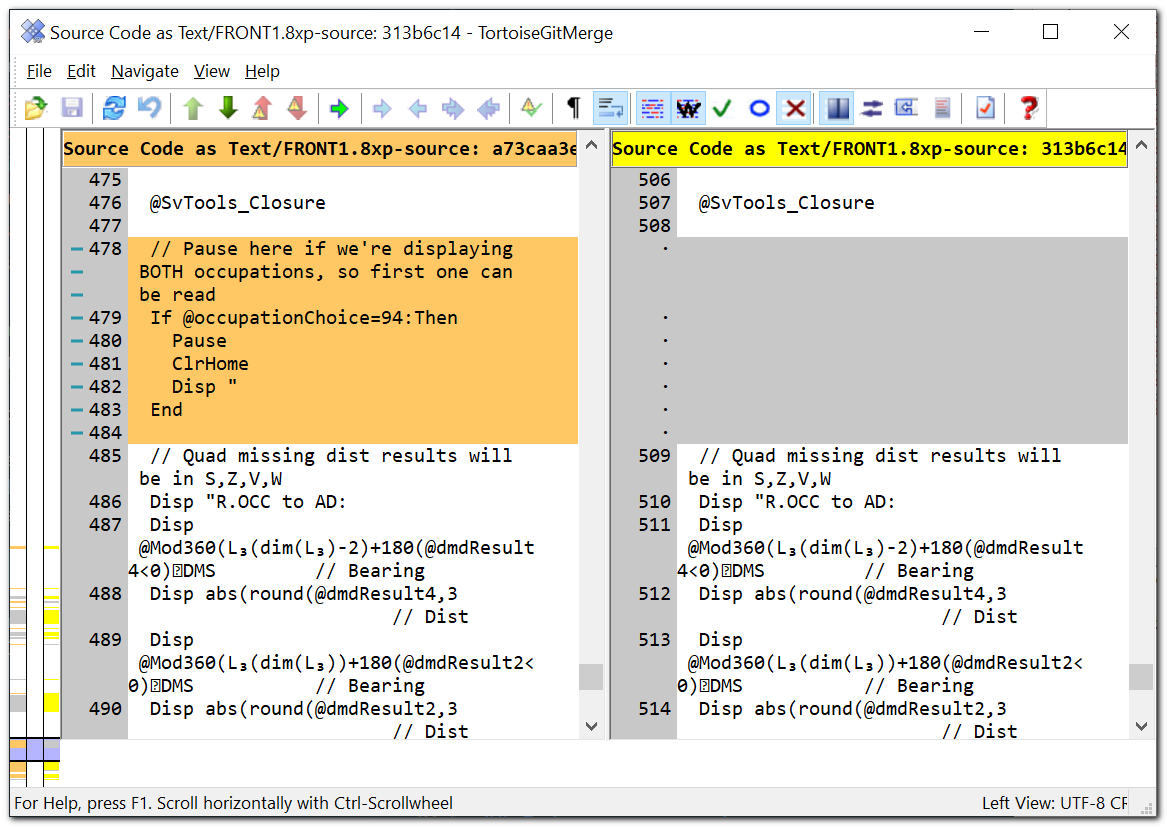
Compare multiple versions of a program using a text comparison tool like WinMerge
Keep track of your code changes using git or other version control mechanism
WARNING
Do NOT make changes to the files in Source Code as Text unless you move them to another location. Otherwise they will be overwritten the next time you run Powerpack on your original program.
File size report
The third file ending in .optimized.8xp-byte-counts helps you identify the number of bytes used throughout each line of the file, and the total.